Windows & development
VirtualBox — Green Turtle — Windows 11
Problem - Green Turtle
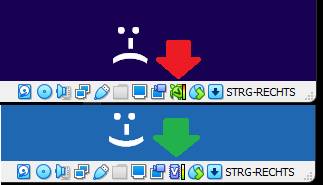
VirtualBox sometimes runs slowly, or even very slowly. This is indicated by a green turtle icon.
The original VirtualBox indicator image is hosted externally and could not be retrieved (HTTP 403). Original image source ↗
Solution
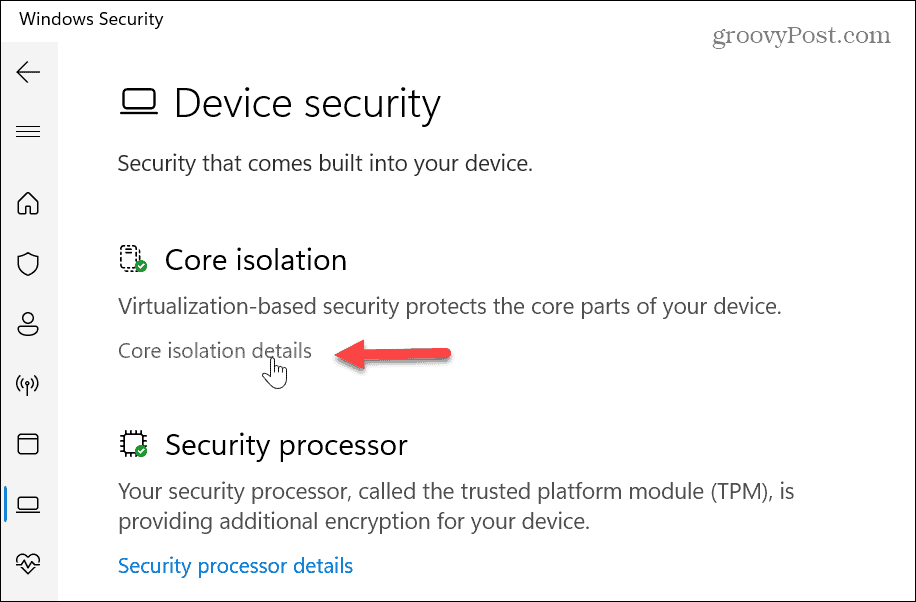
In Windows Settings, open the Device Security panel and disable Core Isolation. Then restart your computer.
Original article content, with grammar and spelling edited for readability. Illustrations and downloads are retained. Source page ↗